Header logo option allows you to display a logo in your site replacing the default site tagline text. To configure the header logo for your site follow these steps:
- Go to Appearance > Customize > Header Settings

- Click to Header Settings >

- Select Desire Header Layout Option.

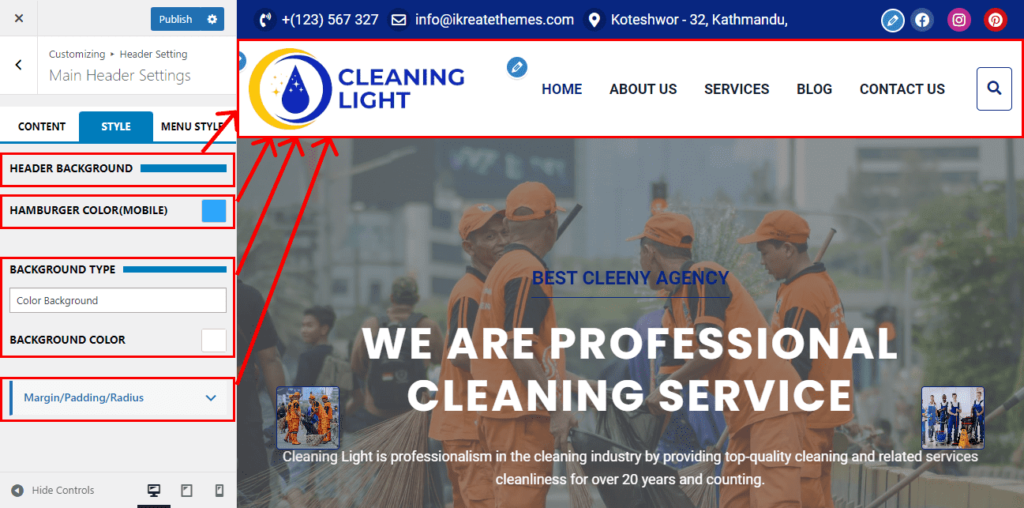
- Click to Style to change Header Background , Hamburger Color for Mobile, Background Type and Background Color.
- Use Margin / Padding and Radius.
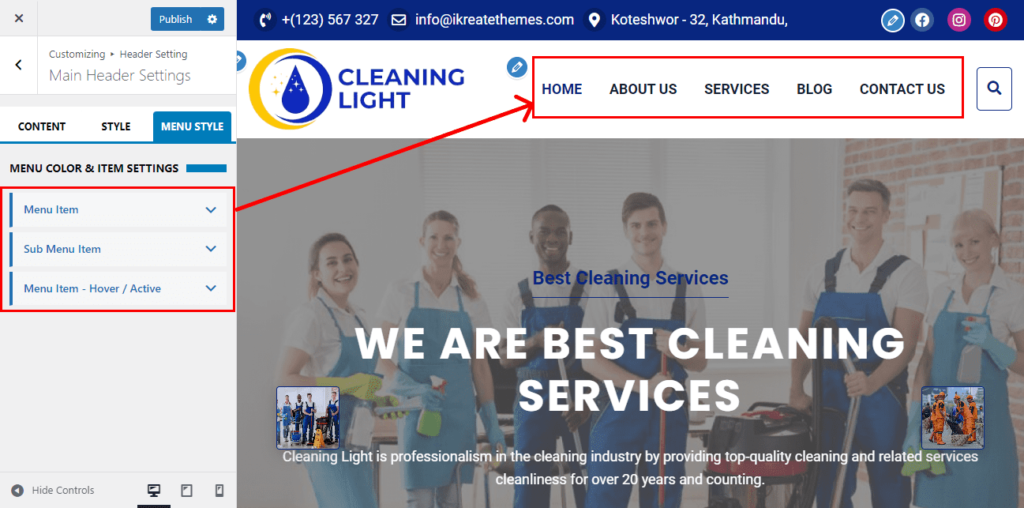
- And Again Click to Menu Style
- Maintenance the Menu Item.
- Click Publish.