
To install the theme via WordPress Dashboard follow these steps:
- Go to Dashboard > Appearance > Themes.
- Click on Add New button then search for the Cleaning Light keyword in the search field.
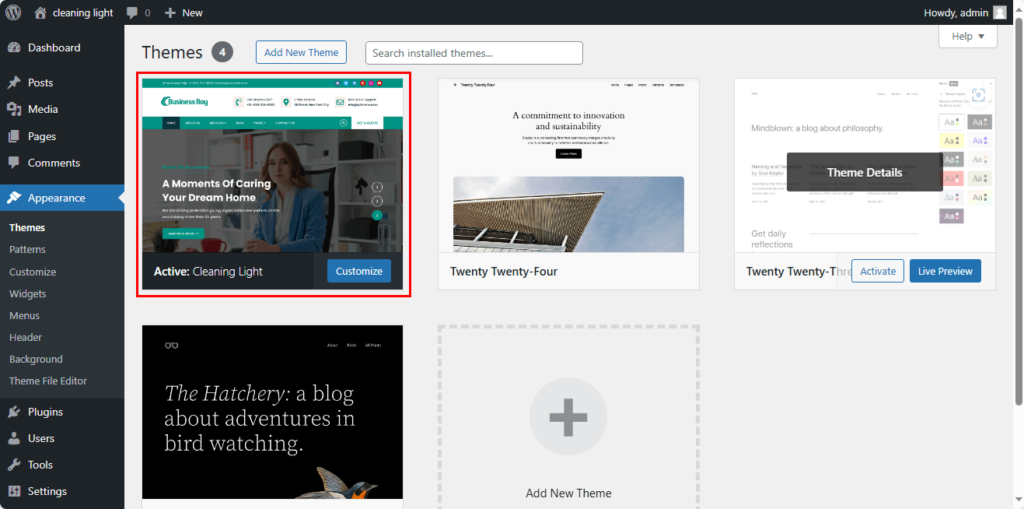
- Hover over the Cleaning Light theme from the search result and click on the Install button.
- Once installed Activate the theme.