To set up Site Logo,
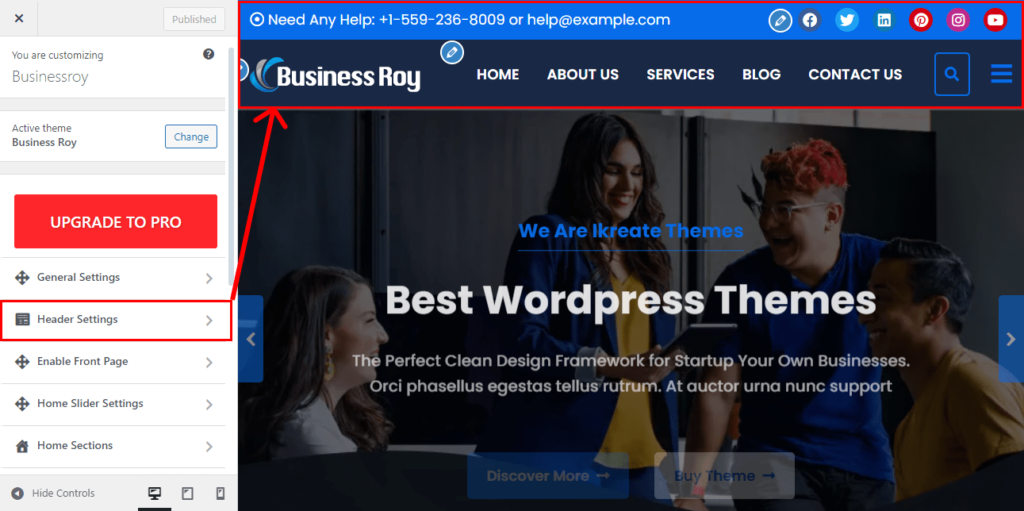
- Go to Appearance > Customize > Header Settings
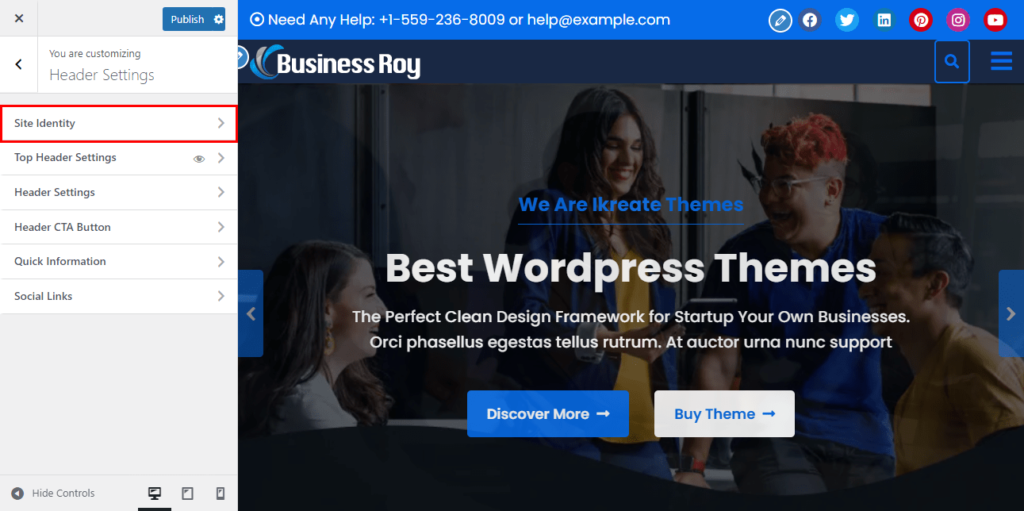
- Click to Site Identity
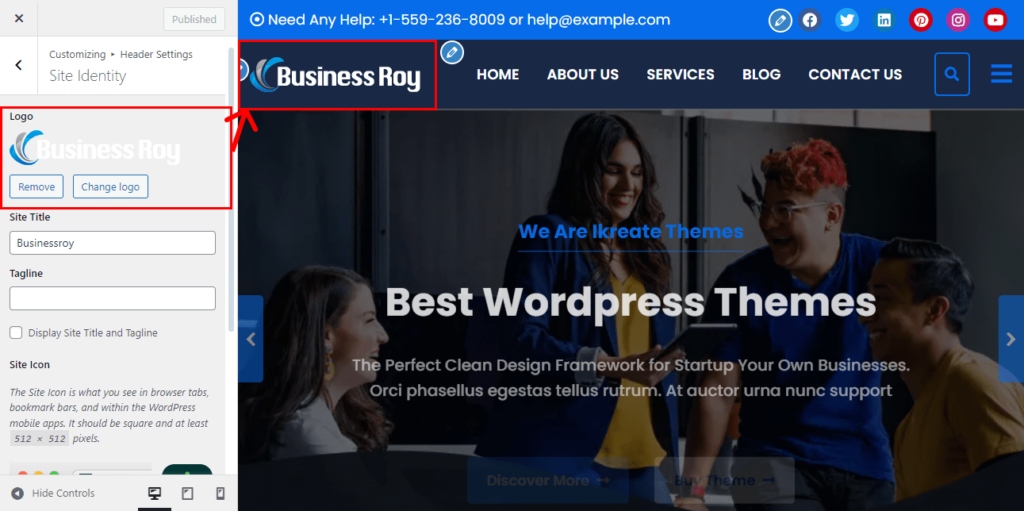
- Click Select logo to upload the desired image.
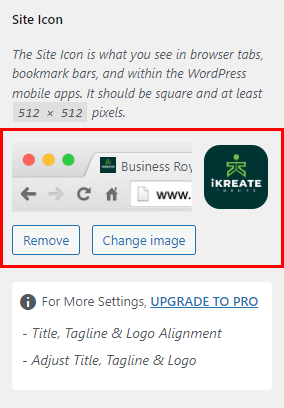
- Click Select Image under Site Icon
- Upload and select the desired image. (The Site Icon/ favicon is used as a browser and app icon for your site. The recommended Site Icon size is 512 x 512 pixels.)
- Click Publish.