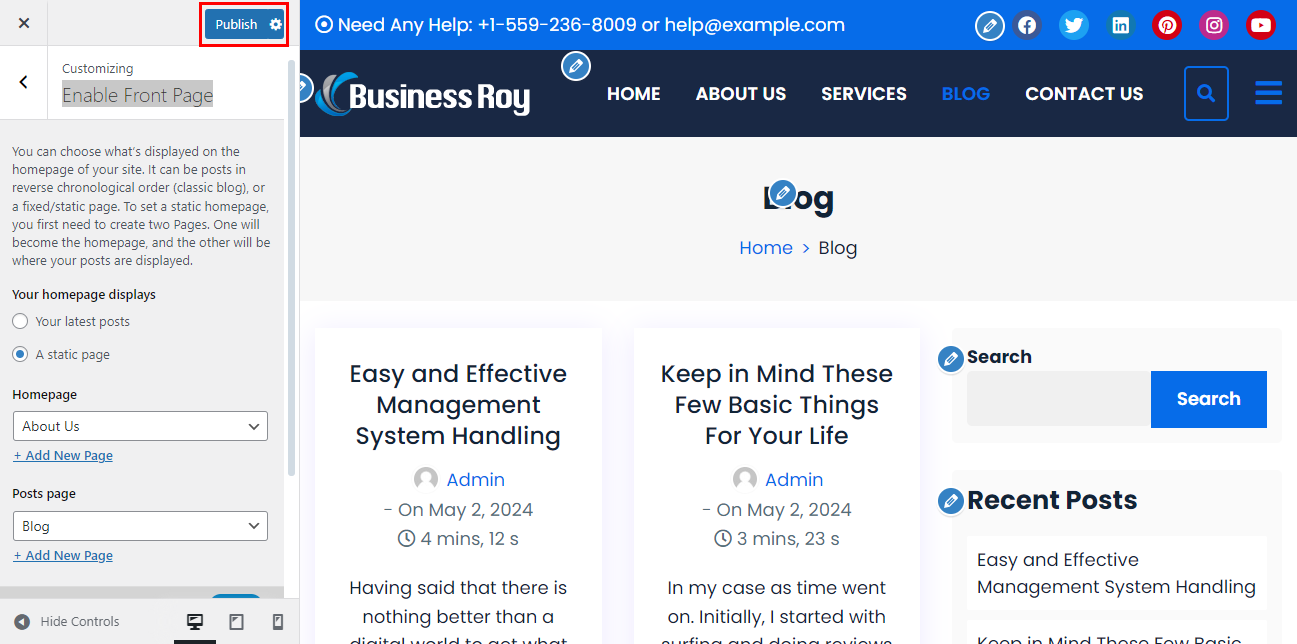
In the above step, the post page will be entirely overwritten by the featured homepage of the theme. So, if you want to a post page on your featured homepage, follow these steps:
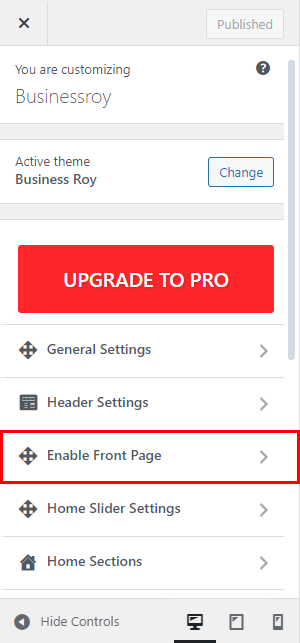
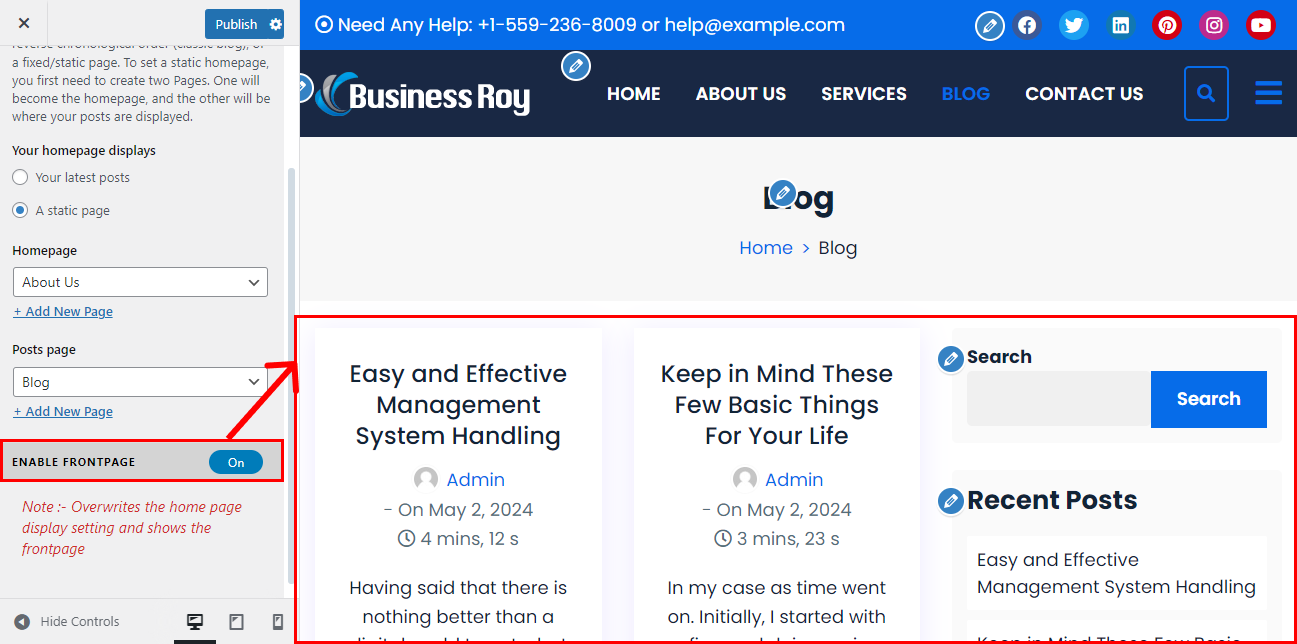
- Go to Appearance > Customizer > Enable Front Page.
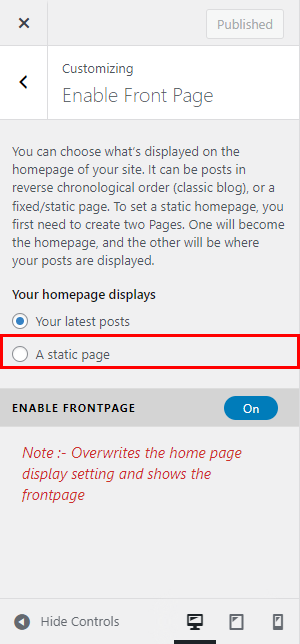
- Set your homepage displays option to A static page.
- Then, select any page you want for your homepage dropdown.
- Also, select the page where you want to locate all your posts.
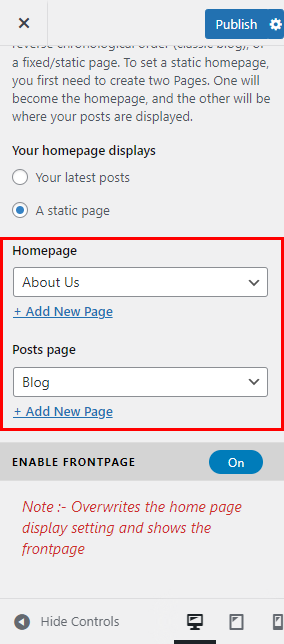
- Set the Enable FrontPage option to “Yes“.
- Now the homepage will display the Featured Homepage section and the page that you have chosen for the Posts page will display all your blog posts.
- Click on “Publish” to save changes.