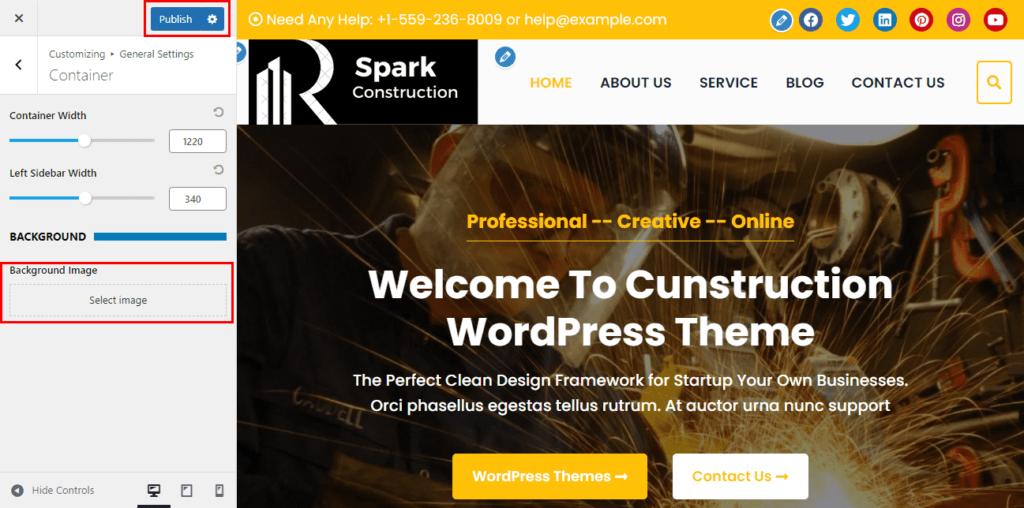
The theme comes with 3 different option to choose the layout of your website i.e. full width, boxed, and fluid.
To set the layout of your site, you need to follow these steps:
- Go to Dashboard > Appearance > Customize.
- Go to General Settings > Container.
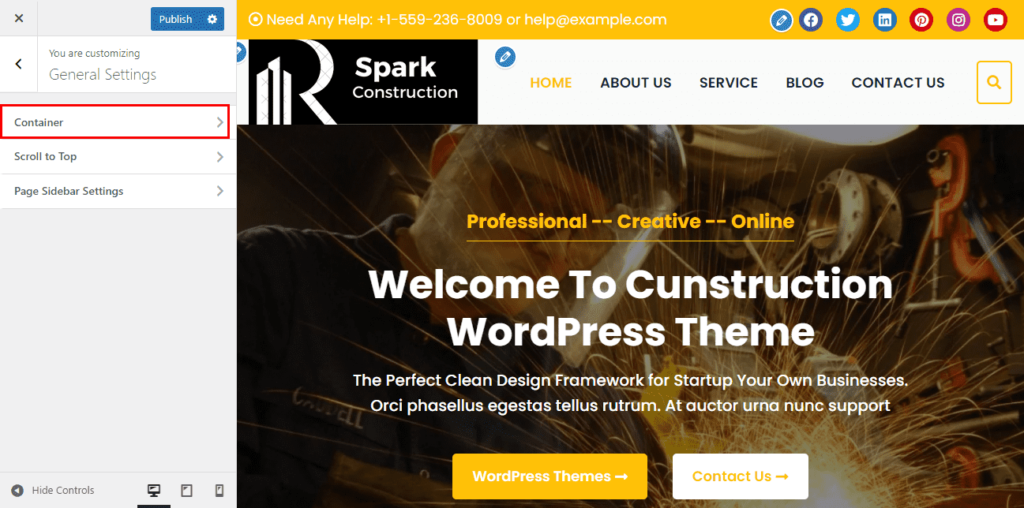
- Now Choose either a Full-Width Layout, Boxed Layout, or Fluid Layout as per your requirement.
- You can also choose the website container width and sidebar width of the website.
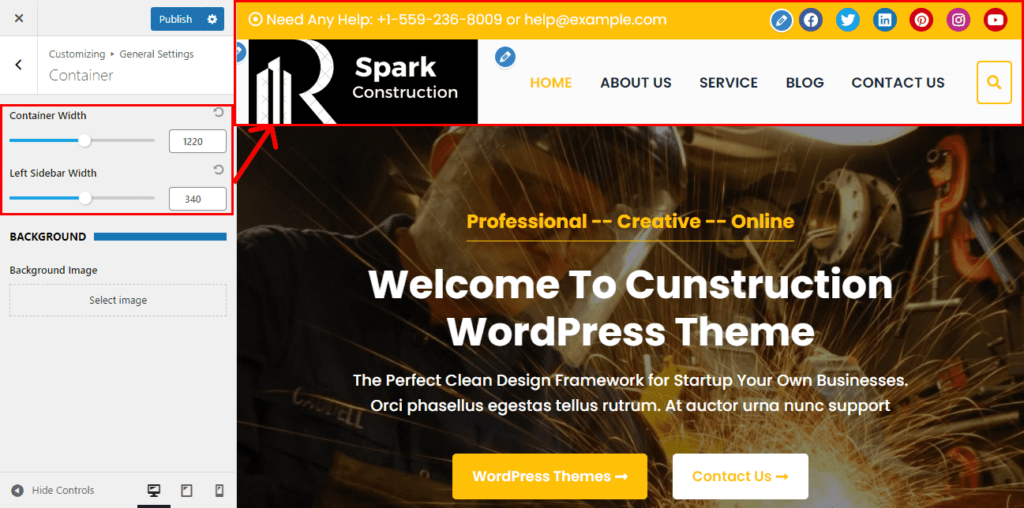
- Also, you can choose the background color and set the background image of your site.
- Once done, click on the “Publish” button.