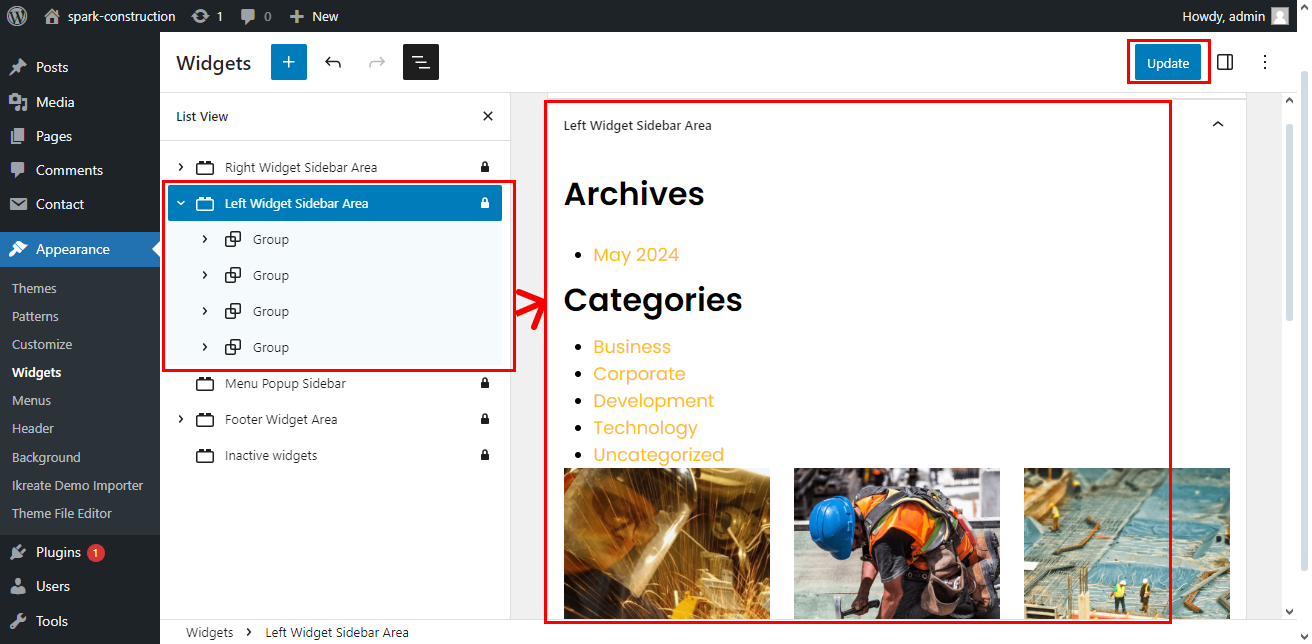
The theme has tons of features and functionalities to configure and customize the Page Sidebar Widget Area. You can play with these options to build an eye catching Page Sidebar on your WordPress website.
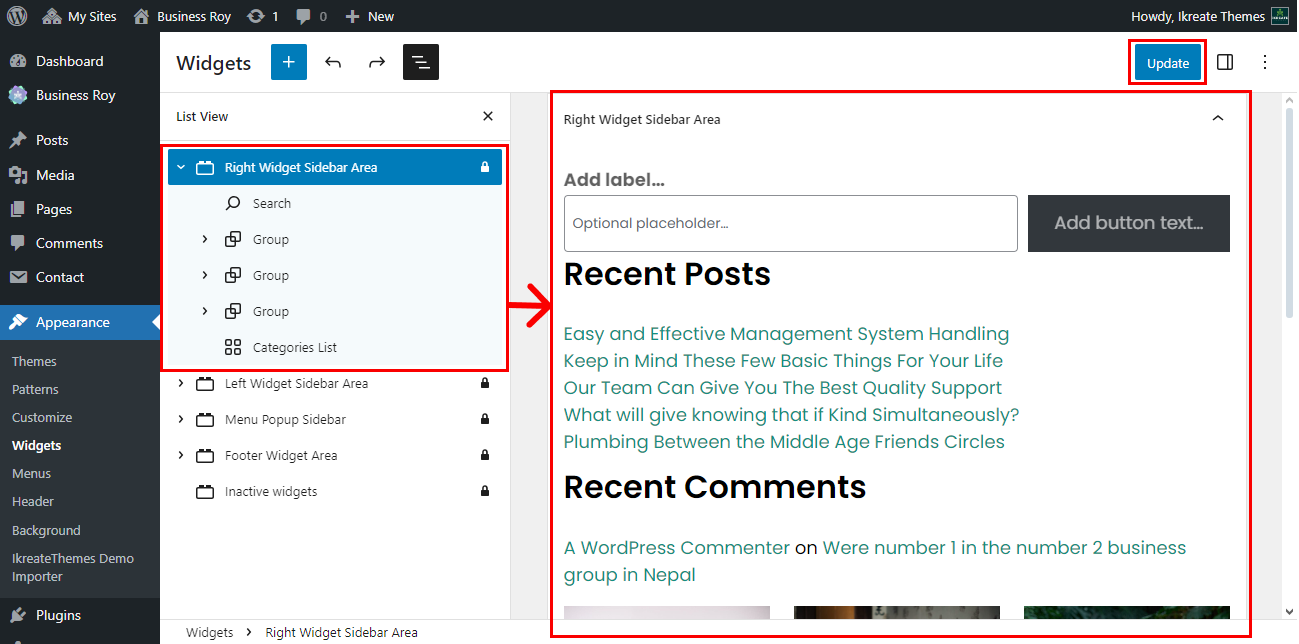
How To Configure Right Sidebar Widget Area
To configure the page right sidebar widget area, follow these steps:
- Go to Dashboard > Appearance > Widget.
- Click on Right Widget Sidebar Area.
- Create your Own List
- Like Search, Recent Past, Recent Post Etc.
- Click on the “Update” button to save.
How To Configure Left Sidebar Widget Area
To configure the page left sidebar widget area, follow these steps:
- Go to Dashboard > Appearance > Widget.
- Click on Left Widget Sidebar Area.
- Create your Own List
- Like Archives, Categories, Recent Project Etc.
- Click on the “Update” button to save.