The theme comes with the option to show page sidebar on your website. The sidebar will allow you for single blog page in your website.
To configure Page Sidebar, follow these steps:
- Go to Dashboard > Appearance > Customize.
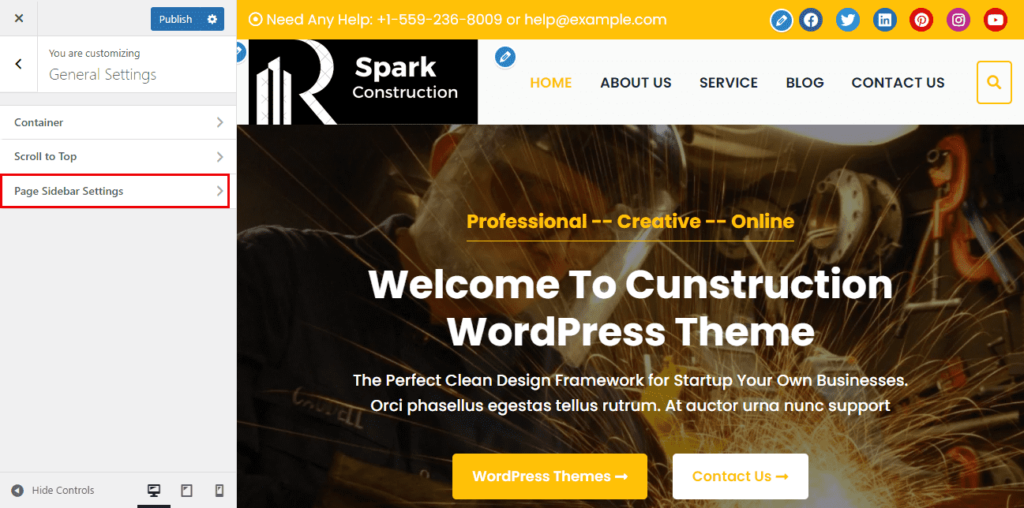
- Go to General Settings > Page Sidebar Settings.
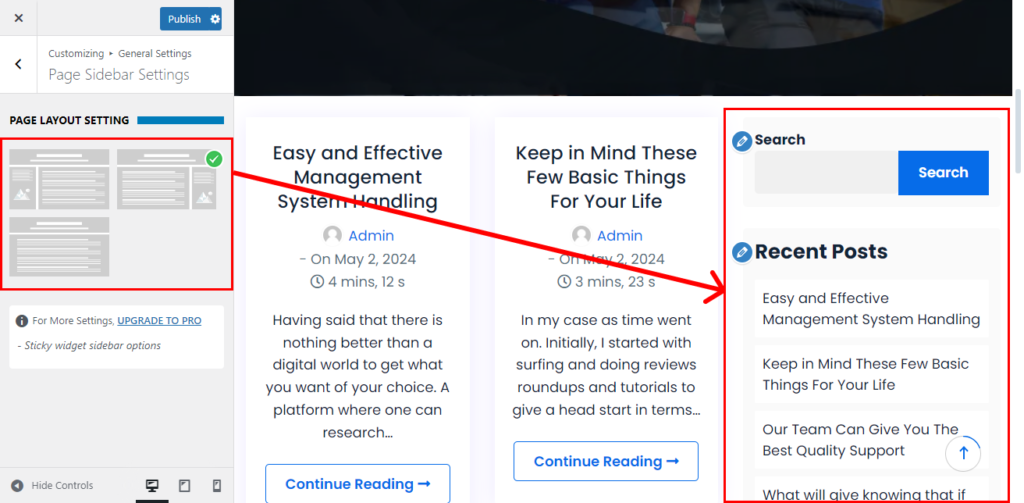
- Now, set the Page Sidebar option choose if you wish to have a set on your website else set the option.
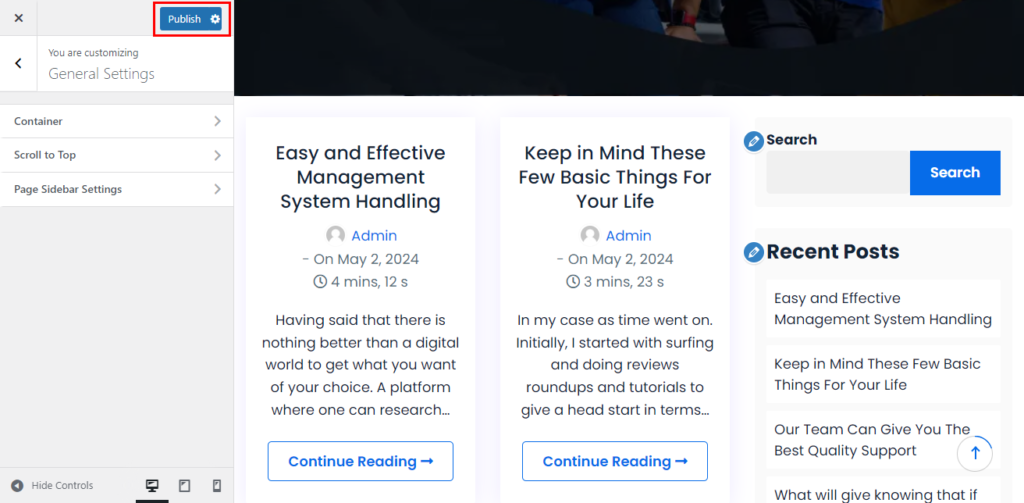
- Once done, click on the “Publish” button.