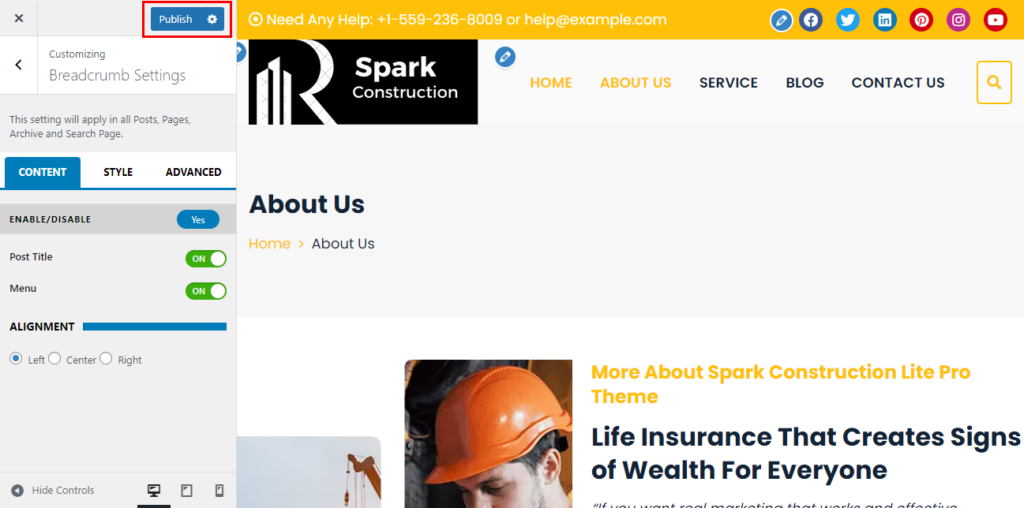
The theme comes with the option to show/hide breadcrumbs on your website. The breadcrumb will help you indicate the current page location with a navigational hierarchy.
To configure breadcrumb, follow these steps:
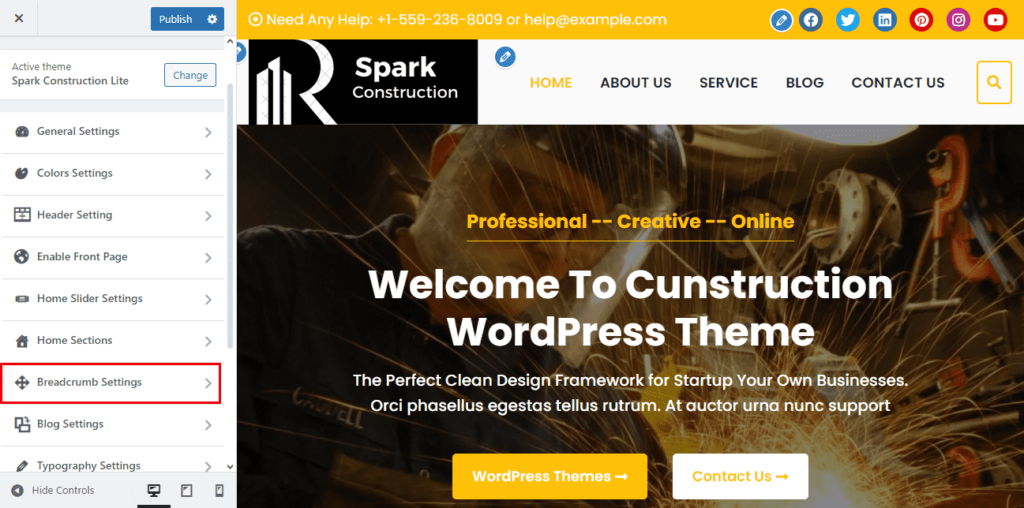
- Go to Appearance > Customize > Breadcrumb Settings
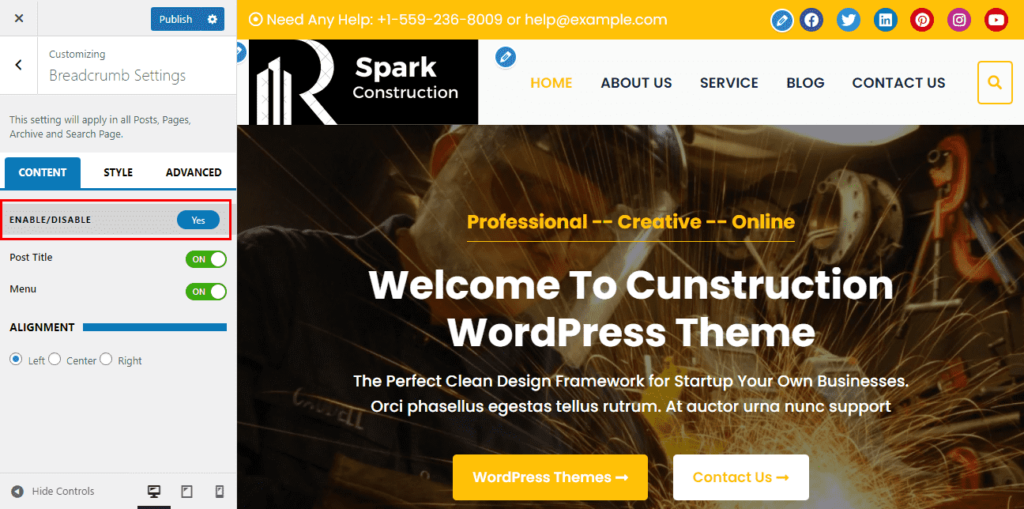
- Check Enable Breadcrumb
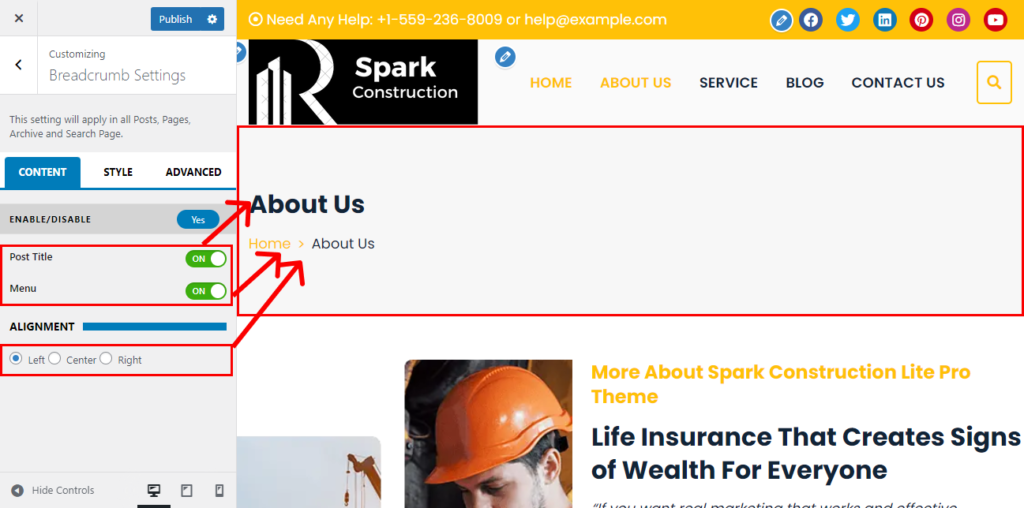
- Also, you can choose the Post Title , Menu and Alignment of your site.
- Click Publish